One take.Two frames.
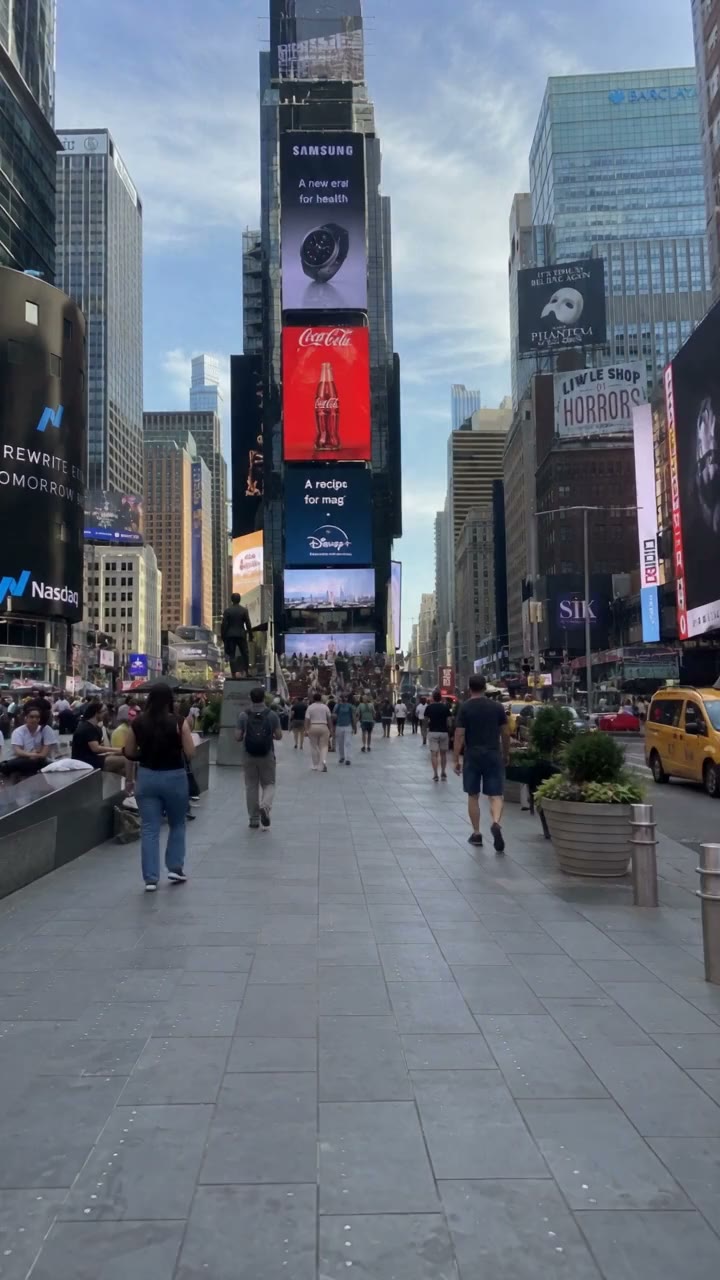
Record once. Get a portrait video and a landscape video, ready to share.
Free to shoot. For iPhone with iOS 26 or later.
Portrait and landscape.
Choose two frames from the same take: 9:16, 1:1, 4:3 or 16:9. Each one is saved as its own file.
Saved as two separate files
- 1-9x16.mov
- 2-16x9.mov
Each frame is the largest crop of that shape from the same recording.
Three ways to shoot
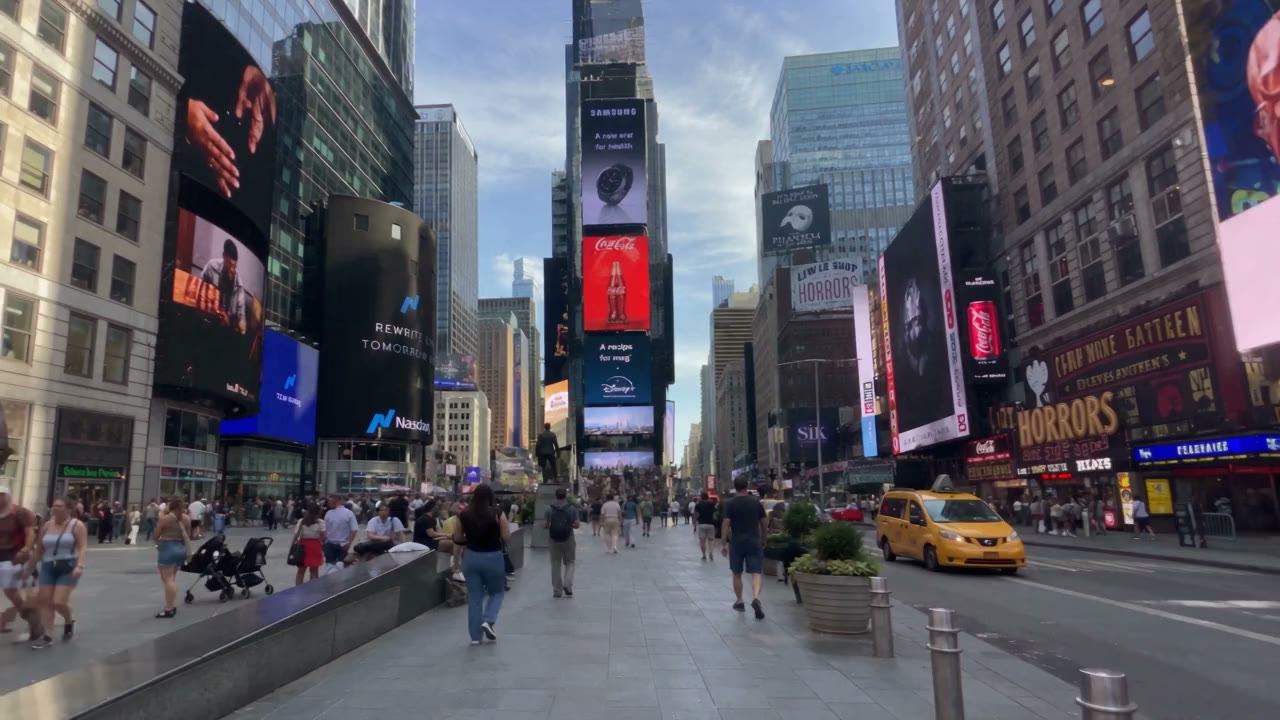
Dual frame
Two frames from one camera: portrait and landscape, or any pair you choose.
Front + back
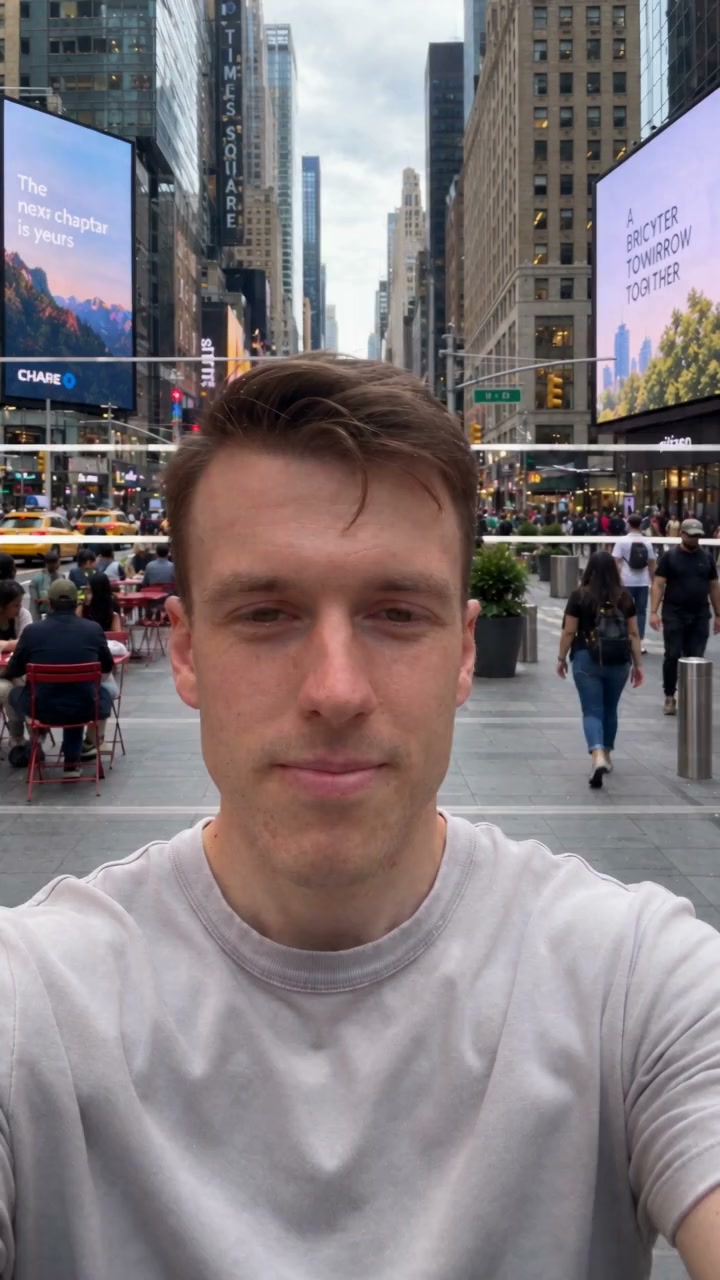
Both cameras at once. You in one frame, your view in the other.
Single camera
One camera, one frame, when that’s all you need.
You,and what you see.
The front camera films you. The back camera captures your view. Both record at the same time.
Front + back needs an iPhone that supports multi-camera capture.
Speak with ease.
Your script scrolls on screen while you talk to the camera. The text never appears in your video.

- Pause for a moment.
- Take a look around.
- Feel the city’s rhythm.
- Now tell your story.
- This moment is yours.
RECYour captures stay on your iPhone.
- No account to create.
- Recordings and scripts are stored on your iPhone.
- Duivo doesn’t upload your videos to its servers.
- Review photos and play videos in the built-in Captures library.
Free to shoot. More with Pro.
Free
- Photos and video in every mode
- Dual frame and front + back
- Captures library on your iPhone
Duivo Pro
PRO- Save and export to Apple Photos
- Save automatically after each take
- Teleprompter
- Resolution, frame rate, format, timer and grid controls
- Up to 4K and 60 fps on supported configurations
Weekly or yearly subscription. Prices are shown in the app before you buy.
Subscriptions renew automatically. Cancel anytime in your Apple Account settings.
Questions
Which iPhones does Duivo work on?
Duivo runs on iPhone with iOS 26 or later. Front + back and some camera pairs need hardware that supports multi-camera capture. Available resolutions and frame rates depend on your iPhone and the camera mode.
Are the two frames really separate videos?
Yes. Each frame is saved as its own file, for example one 9:16 video and one 16:9 video, recorded at the same time.
Do I need Pro to record?
No. Taking photos, recording video and reviewing captures in Duivo is free. Saving or exporting to Apple Photos needs Duivo Pro.
Does Duivo upload my videos?
No. Recordings and scripts are stored on your iPhone. Duivo doesn’t upload them to its servers, and you don’t need a Duivo account.
How do I cancel Duivo Pro?
Open Subscriptions in your Apple Account settings and cancel Duivo Pro. Deleting the app doesn’t cancel a subscription. Manage subscriptions
One take is enough.
Portrait for stories and reels. Landscape for YouTube. Both from the same moment.